FOSS4G: An Introduction to Free and Open Source Geospatial Software
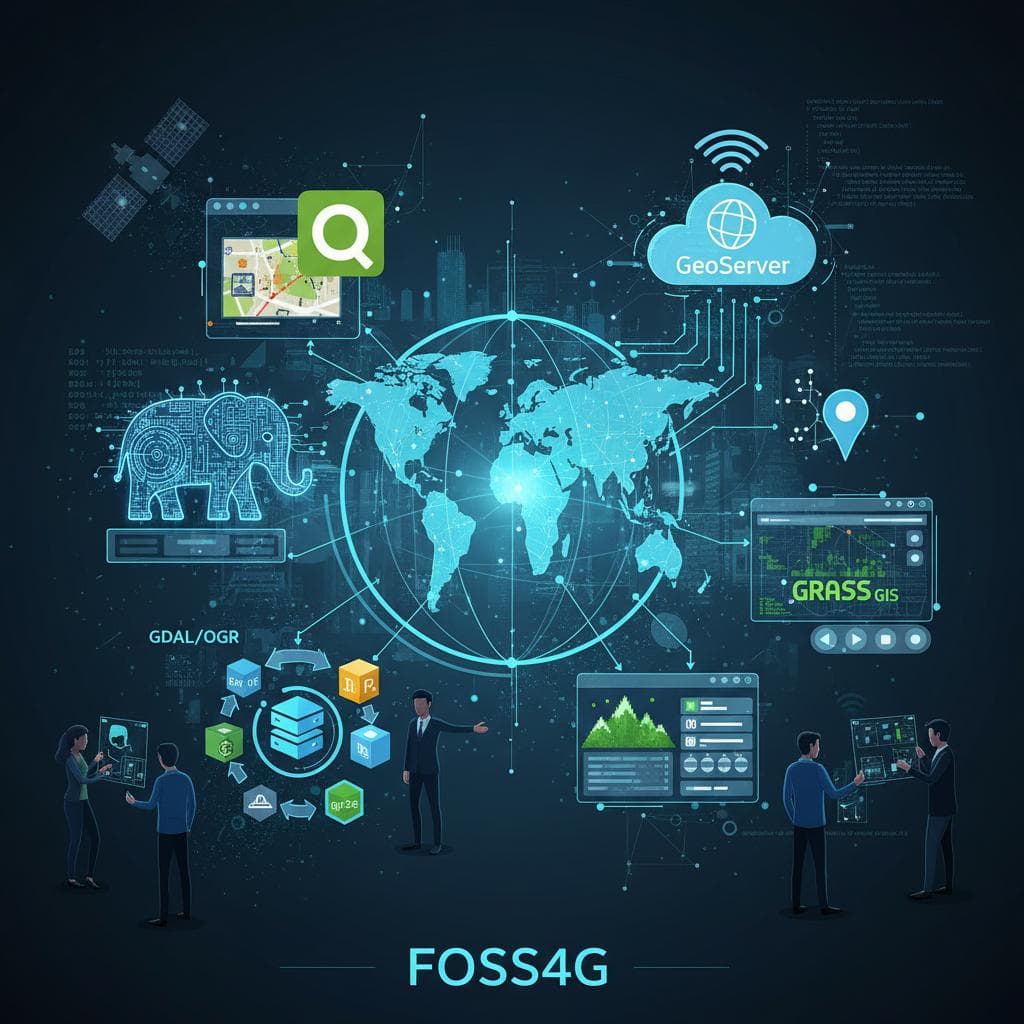
Geospatial data is everywhere—from maps and navigation to urban planning, climate analysis, and location-based services. Today, many of the world’s most powerful mapping and spatial analysis solutions are built on FOSS4G.
In this article, you’ll learn:
What FOSS4G means
Why open-source GIS matters
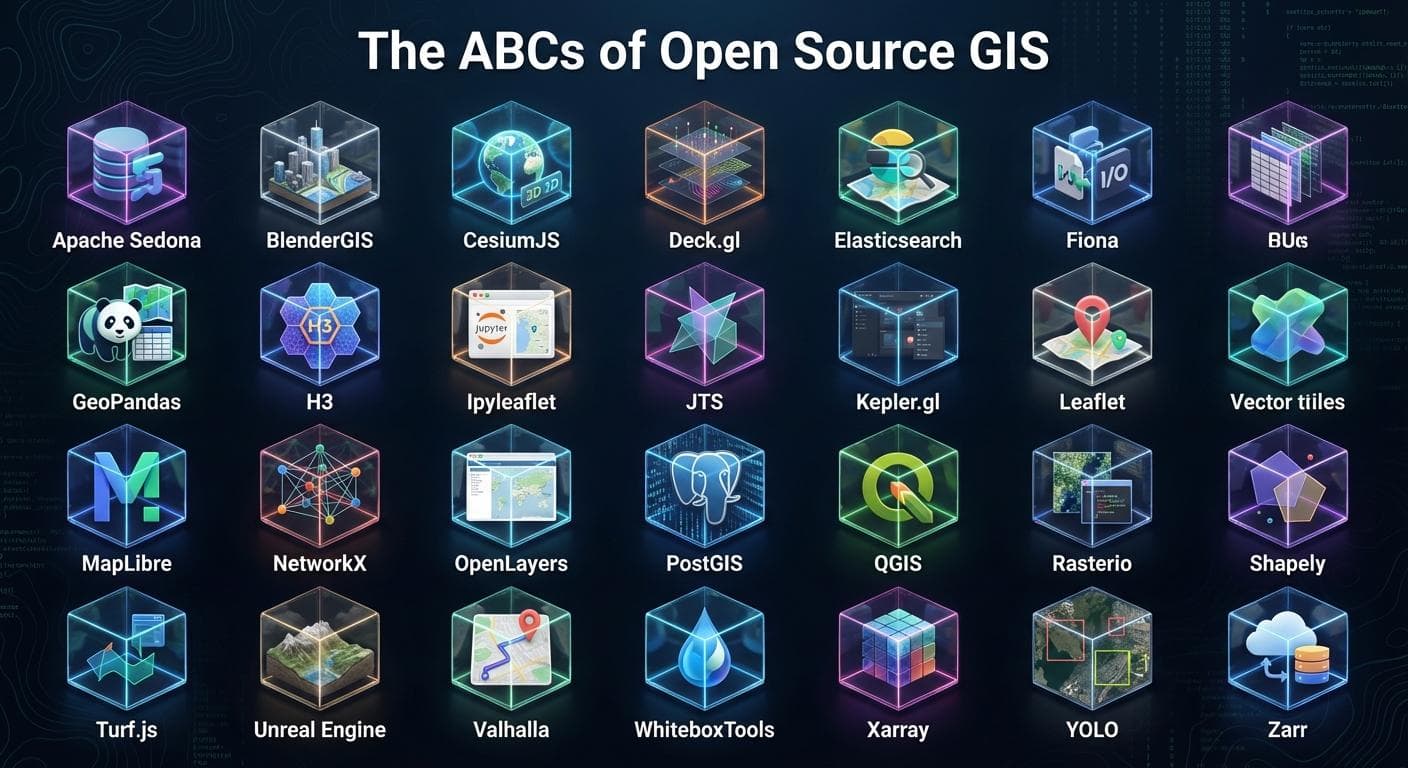
Core FOSS4G tools and where each one fits
How developers can build scalable geospatial applications using FOSS4G
What Is FOSS4G?
FOSS4G stands for Free and Open Source Software for Geospatial. It refers to a broad ecosystem of open-source tools used for:
Mapping
Spatial data processing
Remote sensing
Web GIS development
Geospatial databases
FOSS4G software is built and maintained by global communities and is widely used in academia, industry, and government.
Why FOSS4G Matters
1. Open Standards & Interoperability
FOSS4G tools typically follow OGC standards, such as:
WMS (Web Map Service)
WFS (Web Feature Service)
WCS (Web Coverage Service)
This ensures different tools can work together seamlessly.
2. Cost Efficiency
There are no licensing fees. This makes FOSS4G ideal for:
Startups
Research projects
Government organizations
NGOs
3. Transparency & Trust
With open-source code:
Algorithms are inspectable
Results are reproducible
Security vulnerabilities can be audited and patched openly
Core Components of the FOSS4G Ecosystem
1. Geospatial Databases
PostGIS
PostGIS extends PostgreSQL with spatial types and functions.
Key capabilities:
Spatial indexing (GiST)
Geometry and geography types
Advanced spatial queries
Example:
SELECT name
FROM cities
WHERE ST_Within(geom, ST_GeomFromText('POLYGON(...)', 4326));
Use Case: Core storage layer for spatial data.
2. Desktop GIS Software
QGIS
QGIS is a professional desktop GIS used for:
Spatial analysis
Cartography
Data visualization
Plugin-based extensions (Python)
Why QGIS is popular:
Intuitive interface
Cross-platform
Strong community support
3. Spatial Data Processing & ETL
GDAL / OGR
GDAL is the backbone of geospatial data transformation.
Supports:
Raster and vector formats
Reprojection
Conversion between data formats
Example:
gdal_translate input.tif output.png
Web GIS & Mapping
4. Map Servers
GeoServer
GeoServer publishes spatial data as OGC services.
Features:
WMS / WFS / WCS support
PostGIS integration
Styling with SLD
Use Case: Serving spatial data to web and mobile applications.
5. Frontend Mapping Libraries
Leaflet
A lightweight JavaScript library for interactive maps.
Example:
L.map('map').setView([35.7, 51.4], 10);
OpenLayers
More advanced and powerful, suitable for complex GIS apps.
Remote Sensing & Raster Analysis
GRASS GIS
Used for:
Terrain analysis
Hydrology
Environmental modeling
Large-scale raster processing
Strongly integrated with QGIS.
Building a Modern FOSS4G Stack
A production-ready architecture may look like:
Database: PostgreSQL + PostGIS
Processing: GDAL, GRASS
Backend API: Django + Django REST Framework
Map Server: GeoServer
Frontend: Leaflet / OpenLayers
Deployment: Docker + Kubernetes
FOSS4G + Python Ecosystem
Python plays a central role in FOSS4G:
Popular libraries:
GeoPandas
Shapely
Fiona
Rasterio
PyProj
Example:
import geopandas as gpd
gdf = gpd.read_file("cities.geojson")
Who Uses FOSS4G?
Government GIS departments
Urban planners
Environmental scientists
Disaster management teams
Web mapping startups
Academic researchers
FOSS4G Conference
FOSS4G is also the name of an annual global conference organized by OSGeo, bringing together geospatial professionals worldwide.
Topics include:
Open data
Satellite imagery
Web GIS
AI & geospatial analytics
Climate and sustainability
When Should You Choose FOSS4G?
Choose FOSS4G when:
You want vendor-independent solutions
You need scalable geospatial infrastructure
You value transparency and open standards
Budget constraints matter
Final Thoughts
FOSS4G is not just a collection of tools—it’s a philosophy built around openness, collaboration, and innovation in geospatial technology.
If you're building GIS applications, location-based services, or spatial data platforms, FOSS4G provides everything you need—from databases to visualization—without locking you into proprietary ecosystems.